
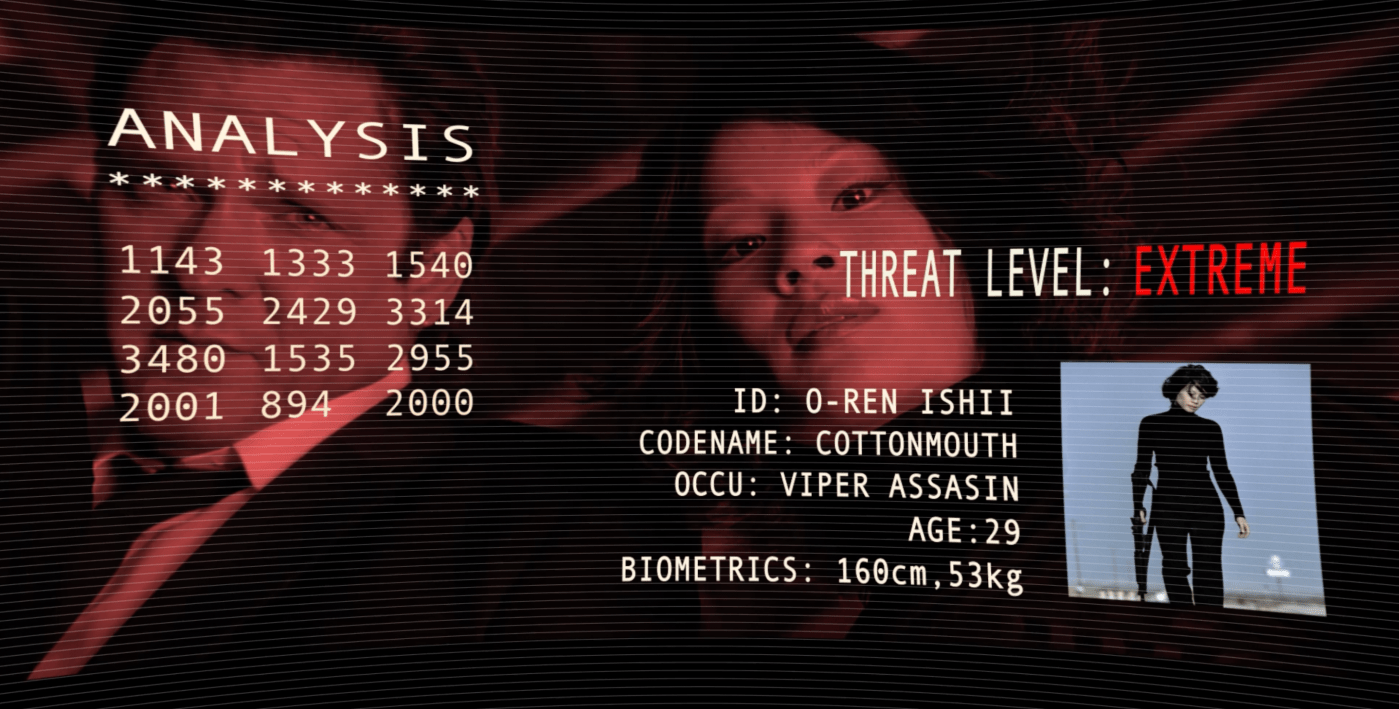
Terminator Vision: Operational😈
Speaking of vision and computers, here’s a quick hack your eyes will appreciate.
On your TV, computer and/or phones, go to settings, find your display and brightness settings and toggle “Night Shift” or “Night Mode.” to ON during night time hours. Alternatively, if there is a color warmth meter on your device, set that baby to maximum warm.
Warming your screen, especially at night (in a dark room) reduces blue light which agitates the nervous system. Increasing red light, on the other hand, has a calming effect. People even swear by “red light therapy,” including yours truly.
Of course, experts say you should not be viewing any screen within 2 hours of bedtime. If anyone here obeys this rule, I will give you a trophy in the comments.
-EF
 Experience Film
Some day I’d like to try night vision goggles.
LikeLiked by 1 person
Just don’t turn on the lights!🥽😫
LikeLiked by 1 person
I do it always, mate; thank you! 😉😊👻🖖
LikeLiked by 2 people
Wise indeed🏆👁
LikeLiked by 1 person
Where’s my trophy at?? 🤨
I do not come close to qualifying for a trophy, but I keep my nose in a book for at least 10 minutes before sleep. can I get a medal instead?
LikeLiked by 1 person
My pillow is the keyboard. A book would be softer📙🥇
LikeLiked by 1 person
Especially if it’s not a hardback! 😁
Thank you kindly, for my medal. 😊
LikeLike
I use the night setting on my PC all the time. Working on the PC and spending some free time browsing the internet would be even more tiring for my eyes otherwise.
The 2-hour no-screen before bed does happen whenever I’m doing the dishes and trying to get kids to bed and then I’m too exhausted to do anything else. 😀
LikeLiked by 1 person
You remove the stress from the eyes, and place it upon your back instead, as a father eh?🏆🥋🙏🏼😌
LikeLiked by 1 person
Sounds like you are speaking from the experience as a son 😁
LikeLiked by 1 person
Yes, and only🙏🏼
LikeLiked by 1 person
I have a policy whereby my phone doesn’t go into the bedroom with me, it spends the night in the office. I do use my eReader in the evening to read a chapter or two but that’s pretty much the same as reading a book since I always have the front-light skewed towards orange …
LikeLiked by 1 person
The author’s policy🏆📳
LikeLiked by 1 person
Ha! Yep… Black site. My rebellion against the bleached-out, low contrast trend.
(ツ)b
LikeLiked by 1 person
I do like the blackdrop for the Lightness site. And it reminds of another night lighting option I sometimes employ – “Reverse Color” (On Mac) It’ll make white webpages black. The drawback is it makes all images and video look like X-Rays🏆🏮
LikeLiked by 1 person
I completely agree! Night mode has made such a difference in reducing eye strain and improving sleep.
LikeLiked by 1 person
A tech innovation worthy of much praise.
LikeLiked by 1 person